LeaveHack Review
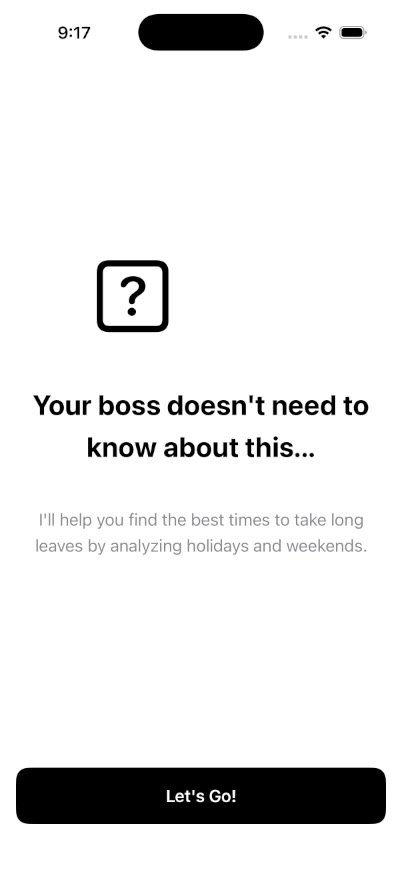
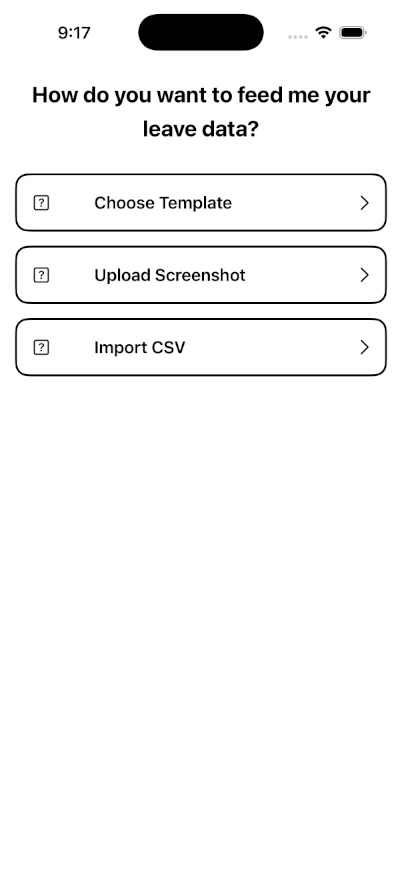
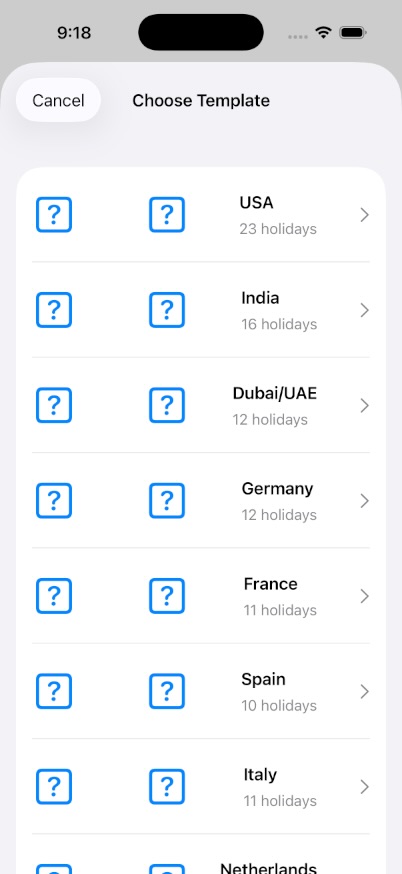
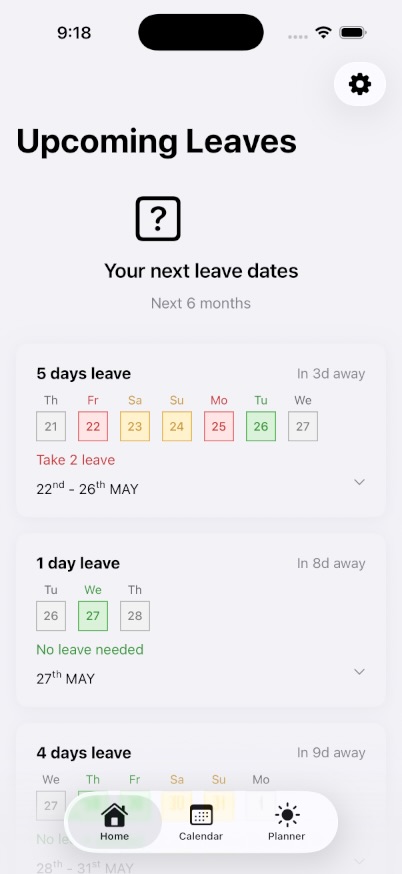
UI / UX Screenshots
Critical Issues
You set isProUser = true immediately after .purchase() succeeds without validating the App Store receipt. A jailbroken device can fake purchase success. You also have a TODO comment at line 194 admitting this.
Fix: Implement AppTransaction (StoreKit 2) or server-side receipt validation before unlocking Pro. At minimum, check transaction.revocationDate == nil and transaction.environment == .production (with override for TestFlight).
3-day trial is computed via Date().addingTimeInterval(3 * 24 * 60 * 60) and stored in UserDefaults. A user can delete and reinstall the app to reset the trial indefinitely. No server-side or Keychain persistence.
Fix: Store trial state in Keychain with kSecAttrAccessibleAfterFirstUnlock. Or better: use StoreKit 2 trial offers (free trial IAP product) so Apple handles eligibility.
AppState handles onboarding state, holiday storage, leave opportunities, theme, purchase state, and navigation flags. This violates Single Responsibility Principle and makes unit testing impossible. Any change to one feature risks breaking another.
Fix: Split into HolidayStore, OnboardingState, ThemeManager, and NavigationState. AppState becomes a lightweight facade that composes these.
The Vision framework callback returns on a background queue, but you immediately dispatch to main for UI state. However, the image preprocessing (if any) and the isProcessing = true spinner setup happen synchronously. More importantly: if the user picks a large image, the UIImage decoding happens on main before Vision even starts.
Fix: Downscale images to ~2MP before passing to Vision. Run UIImage.jpegData or resizing on a background queue. Vision's perform() already runs async — protect the entry point.
Calendar.current.date(byAdding: .month, value: 6, to: now)! — this will crash if the calendar fails to compute 6 months from now (rare but possible with some calendars or invalid dates).
Fix: Use guard let and fall back to now.addingTimeInterval(180 * 86400) if the calendar computation fails.
Warnings
Singleton pattern with @MainActor means all purchases happen on main. StoreKit 2's Product.products() and purchase() are already async — forcing main actor serialization is unnecessary and blocks UI during product loading.
Fix: Remove @MainActor from the class. Use @MainActor only on published property setters, or publish state changes via await MainActor.run.
Purchase errors are only print()'d. The user sees an infinite spinner or a disabled button with no explanation.
Fix: Publish an @Published var purchaseError: Error? and surface it in PaywallView as an alert or inline error.
You're hand-rolling UIViewControllerRepresentable for UIImagePickerController when PhotosPicker (PhotosUI) has been available since iOS 16. More code, more bugs, no native SwiftUI benefits like automatic lifecycle.
Fix: Replace with PhotosPicker(selection: $selectedItems, matching: .images). Same for DocumentPicker — use fileImporter modifier.
iOS 16+ app using deprecated NavigationView. This limits programmatic navigation and deep linking capabilities. No NavigationPath support.
Fix: Migrate to NavigationStack(path: $navigationPath) with a NavigationPath stored in AppState.
proUpgrade product ID is hardcoded as an enum case. You can't A/B test pricing or add regional products without a code change and App Store release.
Fix: Load product IDs from a remote config (Firebase / your own) or at minimum a plist. Fall back to hardcoded only if remote fails.
Settings gear button has no .accessibilityLabel. VoiceOver users hear "Button" with no context.
Fix: Add .accessibilityLabel("Settings") to all icon-only buttons.
Simple components(separatedBy: ",") breaks on quoted fields containing commas (e.g., "Independence Day, observed"). Will parse incorrectly or crash on malformed input.
Fix: Use CSV.swift library or implement RFC 4180 compliant parsing with quote handling.
Holidays (user's actual leave data) stored in unencrypted UserDefaults. On a shared device or backup, this is readable. Also no migration strategy if model shape changes.
Fix: Use Core Data or SwiftData for structured persistence. Encrypt sensitive data with Keychain if needed.
Architecture & Patterns
You have a theme system but it appears to be scattered across views with ThemeColors.primaryText(for: appState.theme.colorScheme) everywhere. This is repetitive and easy to miss.
Fix: Define a single .environment(\.theme, appState.theme) and use @Environment(\.theme) in views. Or use SwiftUI's native .colorScheme and asset catalog dynamic colors.
Good: Using .task { await purchaseManager.loadProducts() } in PaywallView instead of old SK1 delegate pattern. This is modern and correct.
Good: Consistent use of String(localized: "key") — this is the modern SwiftUI way and shows you're thinking about localization.
The algorithm for finding leave opportunities (bridging holidays with minimal leave days) is well-structured and commented. However, it lives in a class with no protocol abstraction — can't swap algorithms for testing.
Fix: Extract protocol OpportunityGenerator { func generate(holidays: [Holiday], leaveDays: Int) -> [LeaveOpportunity] } and make PlannerLogic conform. Test with mocks.
Priority Action List
- 1Fix receipt validation — This is a reject-risk for App Store review. Use StoreKit 2
AppTransactionor server validation. - 2Split AppState — Extract stores. Start with
HolidayStoreandPurchaseStore. - 3Move trial to Keychain — Prevent reinstall abuse. Or switch to StoreKit 2 free trial IAP.
- 4Replace UIImagePicker with PhotosPicker — Delete 50+ lines of UIKit bridging.
- 5Add error publishing to PurchaseManager — Surface purchase failures to user.
- 6Fix force unwraps — Search for
!in view layer, add guards. - 7Migrate to NavigationStack — Enables deep linking and programmatic nav.
- 8Downscale images before OCR — Cap at 2048px longest edge.
- 9Add accessibility labels — Audit all icon-only buttons.
- 10Extract protocol for PlannerLogic — Makes the algo testable.