Time Left Review
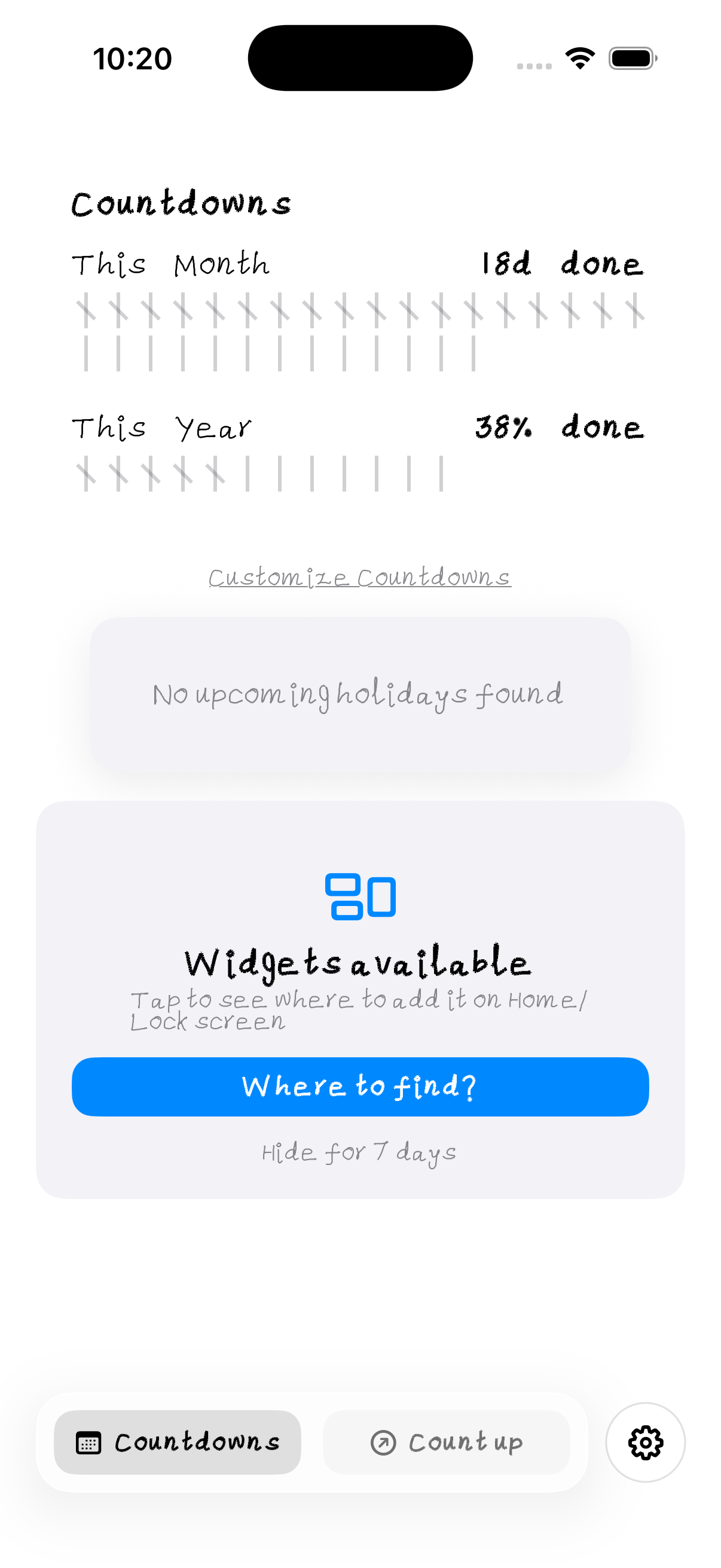
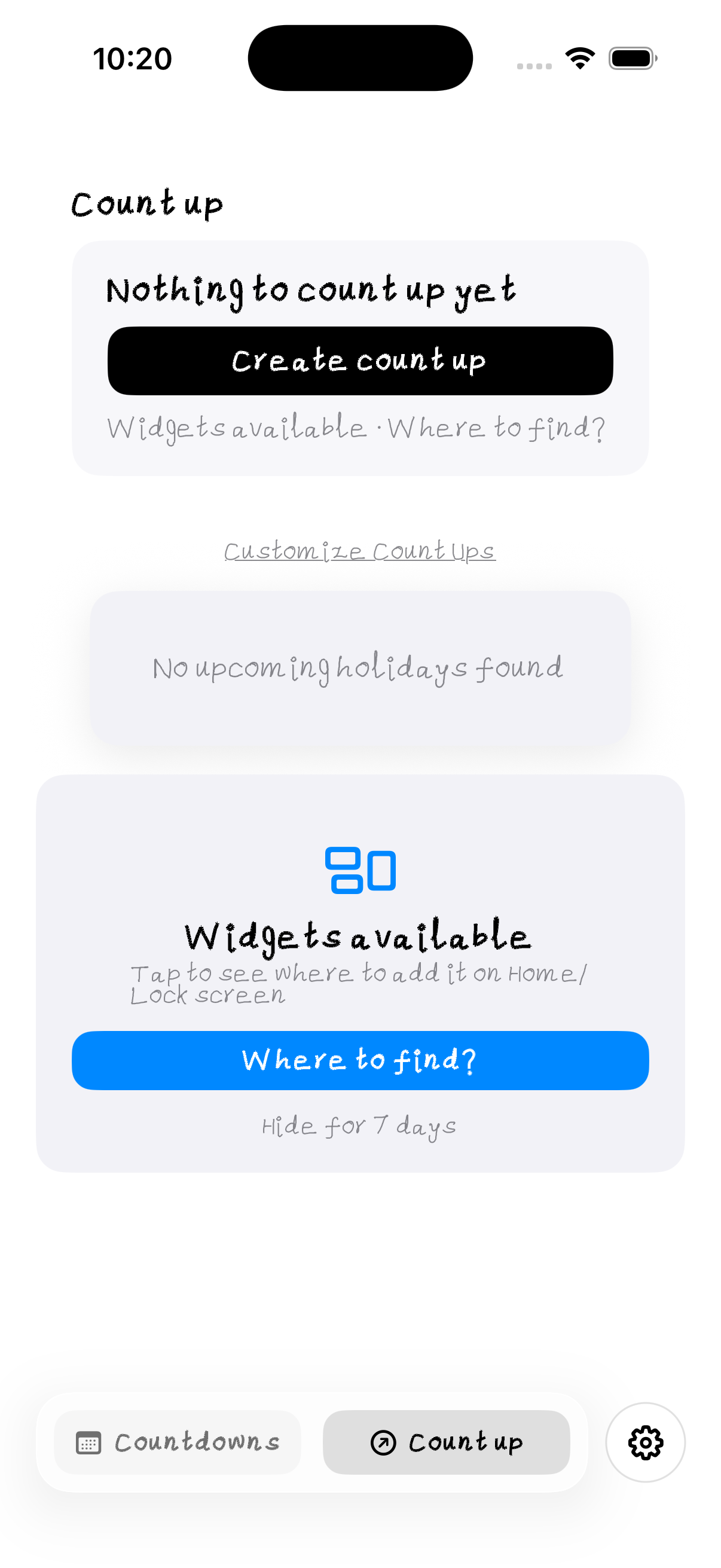
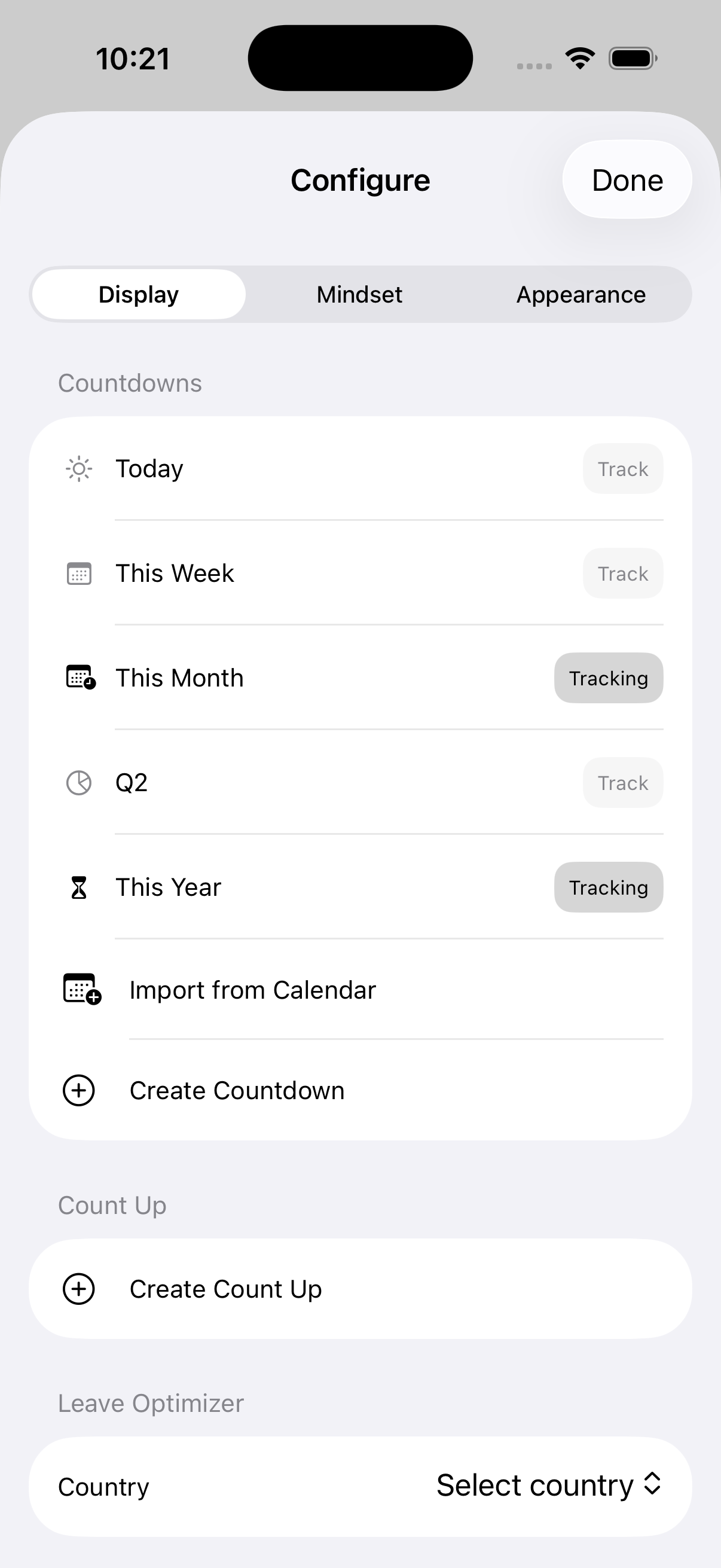
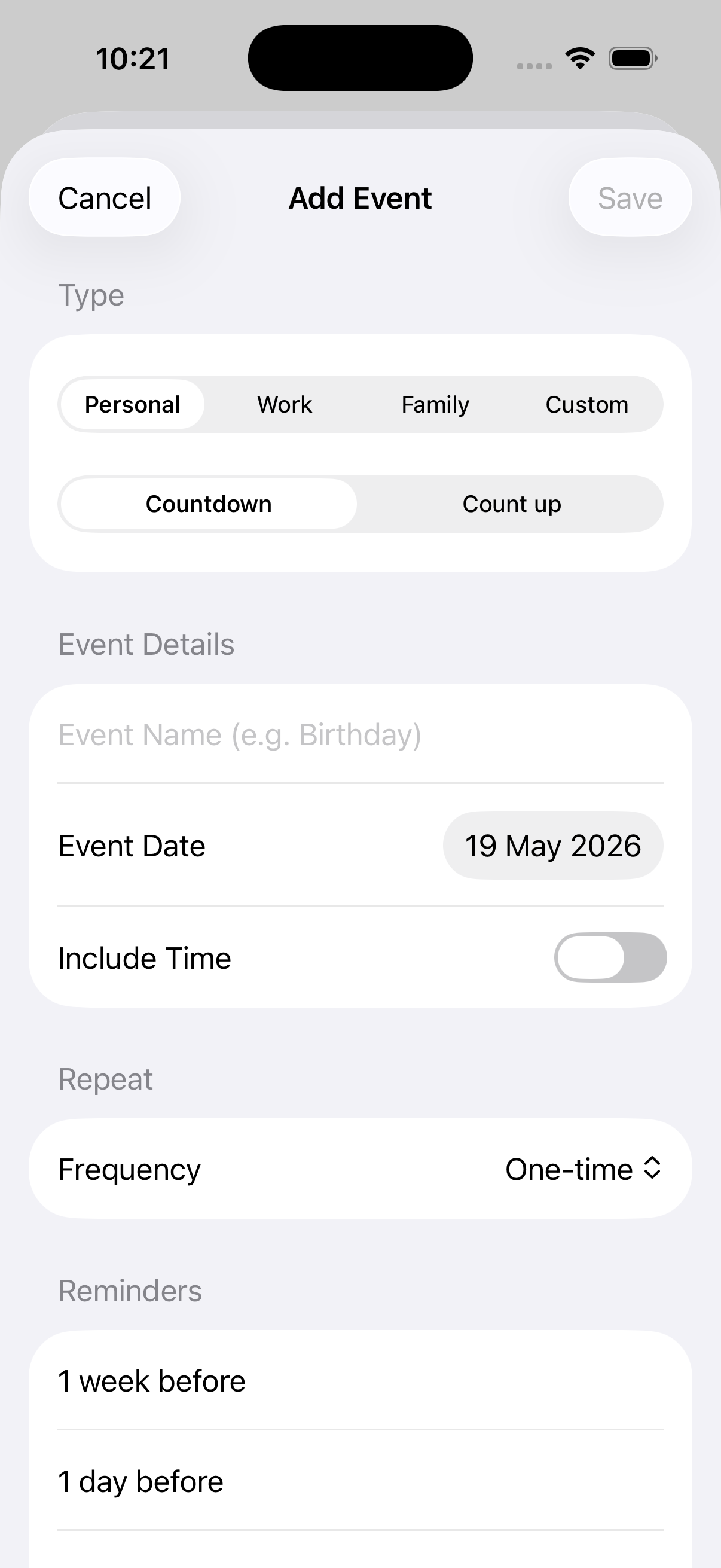
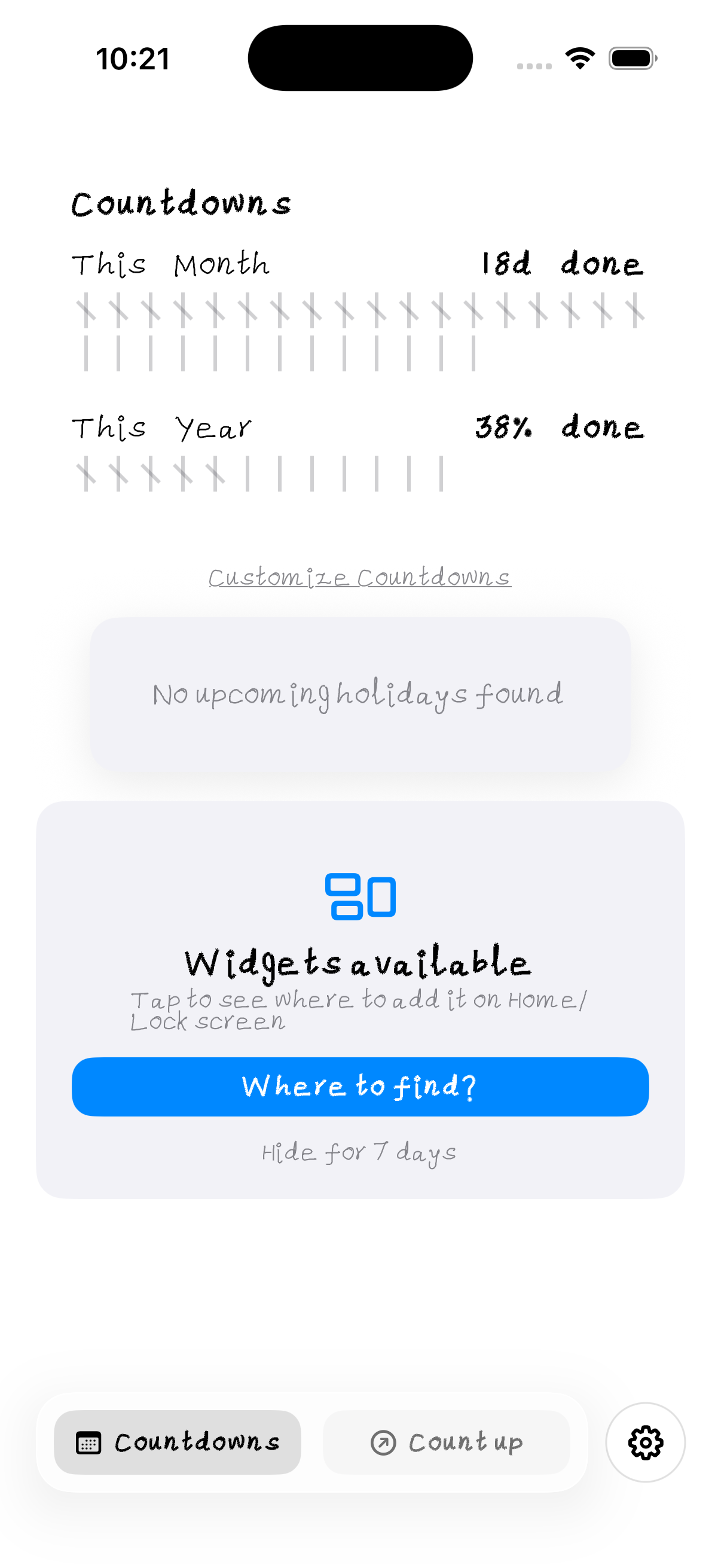
UI / UX Screenshots
Critical Issues
The Timer created in .onAppear captures self (the view struct is re-created, but the closure holds the @StateObject or @State reference). More critically, the timer is never invalidated when the view disappears — it fires forever even on background screens.
Fix: Use .onReceive(Timer.publish(every: 1, on: .main, in: .common).autoconnect()) instead of manual Timer. It auto-cancels when view leaves hierarchy. Or add .onDisappear { timer?.invalidate(); timer = nil }.
Inside the timer closure, you construct a new DateComponentsFormatter every tick. These are expensive. On a device with 20 events, that's 20 formatters * 1Hz = 20 allocations/second just for display strings.
Fix: Pre-create formatter as a static constant, or cache formatted strings and only update when the displayed value changes (every second is fine, but reuse the formatter instance).
DateComponentsFormatter().string(from:to:) returns optional. Force unwrapping crashes if inputs are invalid (e.g., from > to, or nil calendar).
Fix: guard let timeLeft = formatter.string(from: now, to: eventDate) else { return "—" }
Warnings
ContentView contains a placeholder title and "Current Time" text, then MainHomeView is presumably the real entry point. This dead code confuses the navigation stack and adds an unnecessary layer.
Fix: Delete ContentView and make MainHomeView the root. Or make ContentView a lightweight router that switches between Home / Paywall / Onboarding based on state.
Identical to LeaveHack — errors are silently swallowed. The purchase button just shows a spinner forever if the network fails.
Fix: Same fix: publish errors and show an alert.
Using @EnvironmentObject var appState: AppState without a fallback. If the parent doesn't inject it, the app crashes at runtime with a cryptic SwiftUI error.
Fix: Use @ObservedObject var appState: AppState passed explicitly, or inject in the App .environmentObject(appState) and audit all previews to inject a mock.
AppState is defined in both files (same struct, duplicated). This compiles because Swift allows same-name structs in different files, but it's a maintenance bomb — change one, forget the other.
Fix: Move AppState to its own file (e.g., AppState.swift) and import everywhere. Delete the duplicates.
Importing WebKit and UIKit in a pure SwiftUI file adds compile time and binary bloat for no benefit. No WebView or UIKit bridging is present.
Fix: Remove unused imports. Audit all files.
Events appear to be in-memory only. Kill the app, lose all custom countdowns. For a "tracker" app, this is a fundamental UX gap.
Fix: Add SwiftData (@Model) or Core Data persistence. At minimum, UserDefaults + Codable for simple event arrays.
A countdown app that doesn't notify users when an event happens is incomplete. No UNUserNotificationCenter integration found.
Fix: Schedule local notifications for event deadlines. Request permission on first event creation.
Architecture & Patterns
Good: Simple enum with CaseIterable for modes. Could be used in a Picker with ForEach(EventMode.allCases).
CustomEvent has an id but doesn't conform to Identifiable. This means SwiftUI lists need \.id explicitly, and animations (insert/delete/move) won't auto-apply.
Fix: Add Identifiable and make id a let (immutable identity).
The view mixes timer logic, animation state, and UI layout. Consider splitting into CountdownListView (UI) and CountdownViewModel (timer + formatting logic).
Priority Action List
- 1Fix timer memory leak — Switch to
.onReceive(Timer.publish(...))or add.onDisappear { invalidate() }. This is a crash/performance bug. - 2Cache DateComponentsFormatter — Create once, reuse. 20 allocations/sec is wasteful.
- 3Deduplicate AppState — Move to single file, delete copies in ContentView and MainHomeView.
- 4Add event persistence — SwiftData or Codable + UserDefaults. Events vanish on app kill.
- 5Delete or use ContentView — Currently dead code. Make it the router or remove it.
- 6Fix force unwraps — All
!in view layer. Add guards with sensible fallbacks. - 7Add local notifications — Core feature gap for a countdown app.
- 8Conform CustomEvent to Identifiable — Enables list animations and cleaner ForEach.
- 9Audit and remove unused imports — WebKit, UIKit where not needed.
- 10Extract ViewModel — Separate timer/formatting logic from SwiftUI view.